From Image to Editable Text: How FontSniff’s OCR Works Across Languages
The Fontsniff Team
August 19, 2024
The Magic of Optical Character Recognition (OCR)
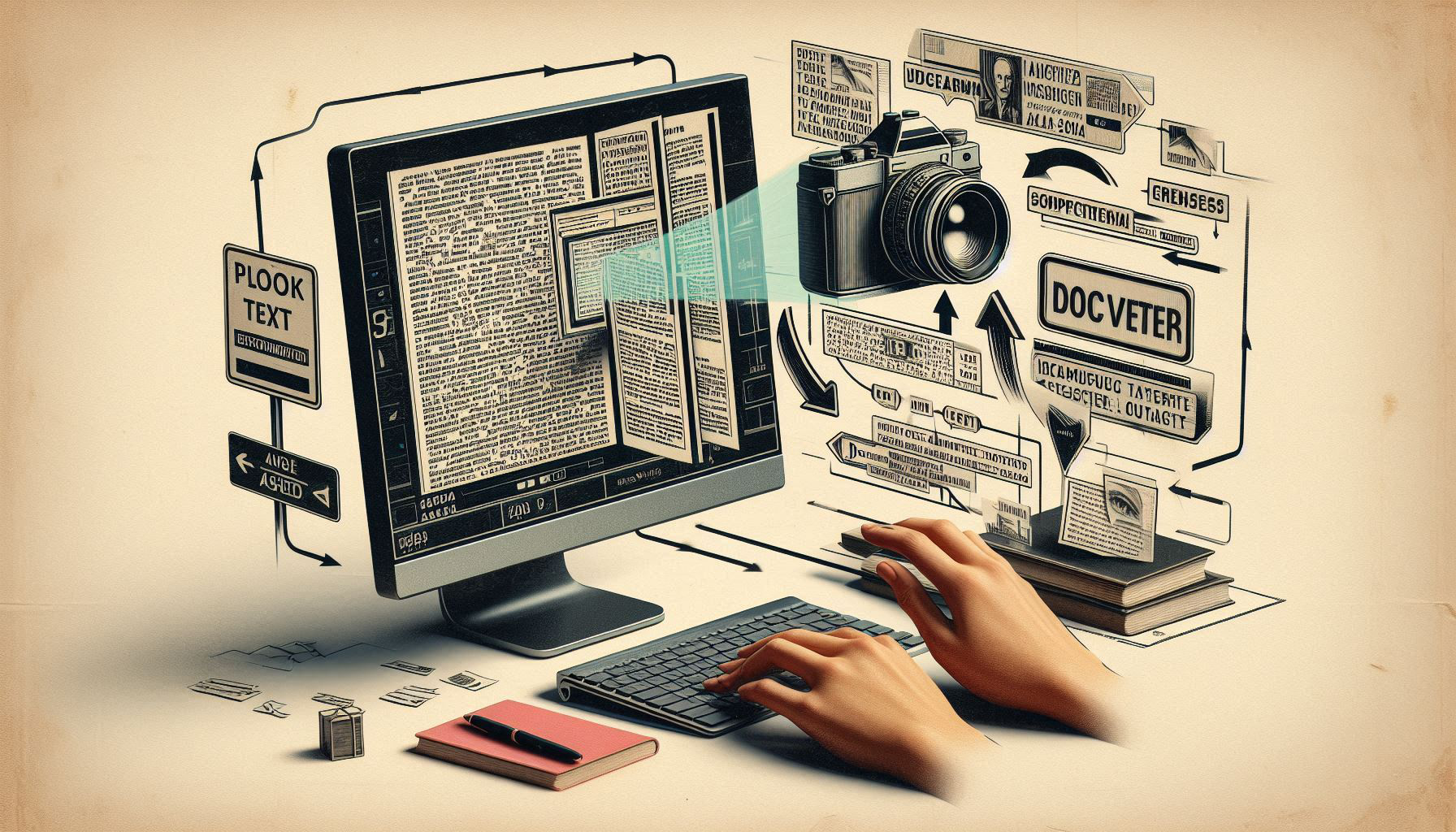
Have you ever wished you could copy and paste text from an image just like you would from a text document? That's the power of Optical Character Recognition (OCR). OCR is the technology that converts different types of documents, such as scanned paper documents, PDF files, or images, into editable and searchable data.
Whether you're dealing with invoices, receipts, book pages, or social media graphics, OCR unlocks the text that's trapped inside, letting you use it however you want.
At FontSniff, we’ve taken OCR to the next level by making it free, accurate, and truly multilingual.
The FontSniff OCR Process: 3 Simple Steps
- •Step 1: Upload Your File — Drag and drop any image file (JPG, PNG, WEBP) or a PDF document into our tool.
- •Step 2: AI-Powered Analysis — Our AI instantly scans your document, identifying text characters, words, and paragraphs. It’s smart enough to handle various fonts, sizes, and layouts.
- •Step 3: Extract and Edit — In seconds, all the text from the document is extracted and presented to you as editable text. You can copy it, save it as a TXT or DOC file, or send it to our translation tool.
No sign-up, no downloads—just instant text extraction.
What Makes Our OCR Tool Different?
While there are many OCR tools out there, FontSniff is designed to stand out in a few key ways:
- •Speed and Accuracy — We use cutting-edge AI models to ensure fast processing times and high accuracy, even for low-quality images or non-standard fonts.
- •Multilingual Support — Our OCR isn’t limited to English. It can accurately recognize and extract text in over 30 languages, including Japanese, Korean, Chinese, Arabic, Spanish, French, German, and more.
- •Layout Preservation — We don't just pull out words; our AI does its best to understand the original layout. This means paragraphs, lists, and headings maintain their structure in the extracted text.
- •Completely Free — No subscriptions or hidden fees. Our OCR tool is free for everyone to use.
- •Integrated with Font Detection — Seamlessly switch from extracting text to identifying the fonts used in the same workflow.
FontSniff aims to be a comprehensive solution for all your document analysis needs.
Handling Complex Documents
Real-world documents are rarely simple. They have a mix of fonts, languages, and layouts. FontSniff is built to handle this complexity.
Mixed languages in one document? No problem. Our tool can detect and extract multiple languages at once.
- •A Japanese and English invoice
- •A German research paper with French quotes
- •An English product manual with Arabic headlines
The AI automatically segments the text, giving you an accurate digital version that preserves the original context.
Tips for the Best Results
To get the most out of FontSniff’s OCR tool, keep these points in mind:
- •Use High-Quality Images — The clearer the image, the better the text recognition.
- •Ensure Good Lighting — Avoid shadows or glare that obscure the text.
- •Straighten the Document — Try to take photos from directly above to avoid distorting the text.
- •Check Your Language — While our tool can auto-detect languages, for best results, ensure your document is in one of our supported languages.
Real-World Use Cases
Here are just a few ways our users are leveraging FontSniff’s OCR tool:
- •Students — Quickly digitizing notes from textbooks or lecture slides for studying.
- •Professionals — Extracting data from invoices, receipts, and contracts to streamline paperwork.
- •Translators — Getting source text from images or locked PDFs without having to retype it manually.
- •Designers — Capturing text from mood boards or existing designs to use in their own projects.
The possibilities are endless.
Turn Your Images into Text Today
Stop wasting time manually retyping text. Let FontSniff do the heavy lifting for you.